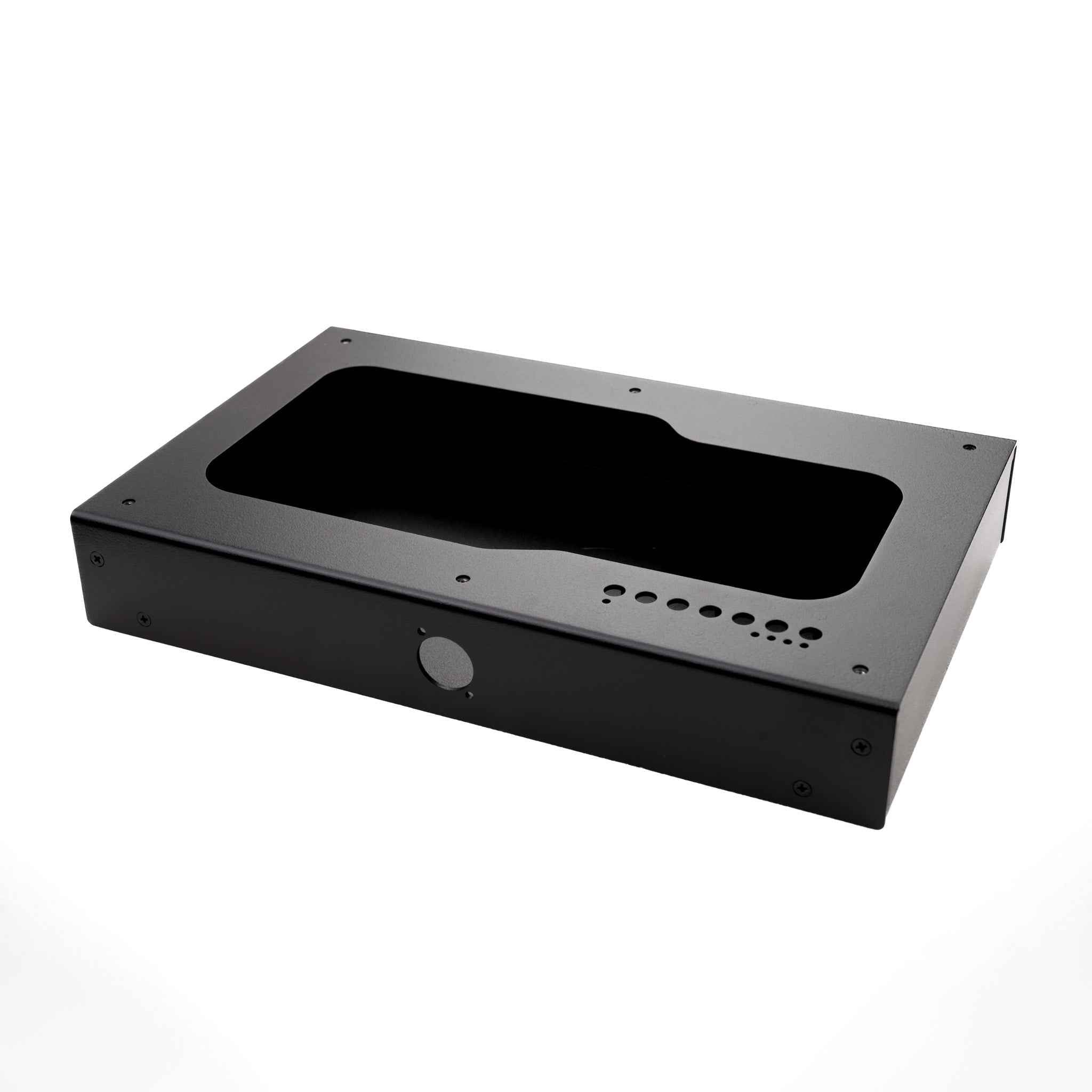
Printed Plexiglass Dustwashers are a great way to add more flair to your build! I have been offering this service for about 6 years for full fight stick art, based on demand, and everyone has been more than satisfied with the way their Fight Stick builds pop when swapping artwork out with a printed plexi overlay. Now, you can add even more flare with the dustwasher!
What is Printed Plexi?
Artwork is reverse printed to the plexi. Meaning it’s printed on the back side of the plexi glass, directly to it. The art and plexi is a single unit. this isn’t a vinyl sticker applied to the back of the plexi.
The lack of paper prevents ink from being absorbed into the printing surface so its a more vibrant print.
Prints are done on large 4′ x 8′ sheets and then laser cut to final dimension.
Plexi Details:
All printed plexi will be 1.5mm thick (1/16″ thick).
You can use custom shapes as long as they remain below 50mm x 50mm per the template.
I strongly recommend submitting your artwork using the ADOBE ILLUSTRATOR TEMPLATES provided on the site. You can setup your artwork in PHOTOSHOP first and then follow the guide below on importing, aligning, and finalizing artwork for print using ILLUSTRATOR. The video goes through the process twice, rather concisely.
2024 Printed Plexi Timelines
Runs will start production on the 1st of each month (or the following Monday if the 1st is a Friday, Saturday, or Sunday). This will help decompress workloads and standardize the prints in the new year.
Drop Details:
Each print is limited to 50mm x 50mm If you want a different size, let me know directly so we can work out pricing.
All artwork must be provided on an illustrator template if making custom shapes and sizes! No exceptions. All of the CUTLINES must be on a CUTLINE layer, vectors, and made 100% MAGENTA (C:0, M:100, Y:0, K:0). All ARTWORK must be on an ARTWORK layer, the highest resolution possible, flattened, and properly aligned to the template.
If you are submitting for a standard size in the template. Please FLATTEN your artwork into a single layer. Do not flatten the cutline layer into it.
If you use special fonts, please flatten (or rasterize) text or convert them to outlines in illustrator. I don’t have the same fonts you do!
There will be no post processing of your artwork, with the exception of placing it on the master print/cut file. I.e., I will simply PLACE your file as provided into the master file and send it off. It is CRITICAL you send an accurate file. If something is clearly wrong, I will email you and ask you to fix it.
Templates are located here.
All artwork will have a WHITE FILL on the back.
Keep in mind that the art is on the bottom of the dust washer, so you may see some wear develop due to movement over time if you do not keep your equipment clean! Friction is the devil :)
Finally, lasers cut perpendicular to the surface of the plexi, your edges will not be rounded over. They will be relatively smooth though.
Documented from the original listing at jasenscustoms.com/products/custom-printed-plexi-dustwasher ·
archived shop page
![[Cut On Demand] - Fight Stick Plexi](../images/CustomCutPlexi-1f5095b8.png)